
Exploring the magic of Canva's AI editing tool
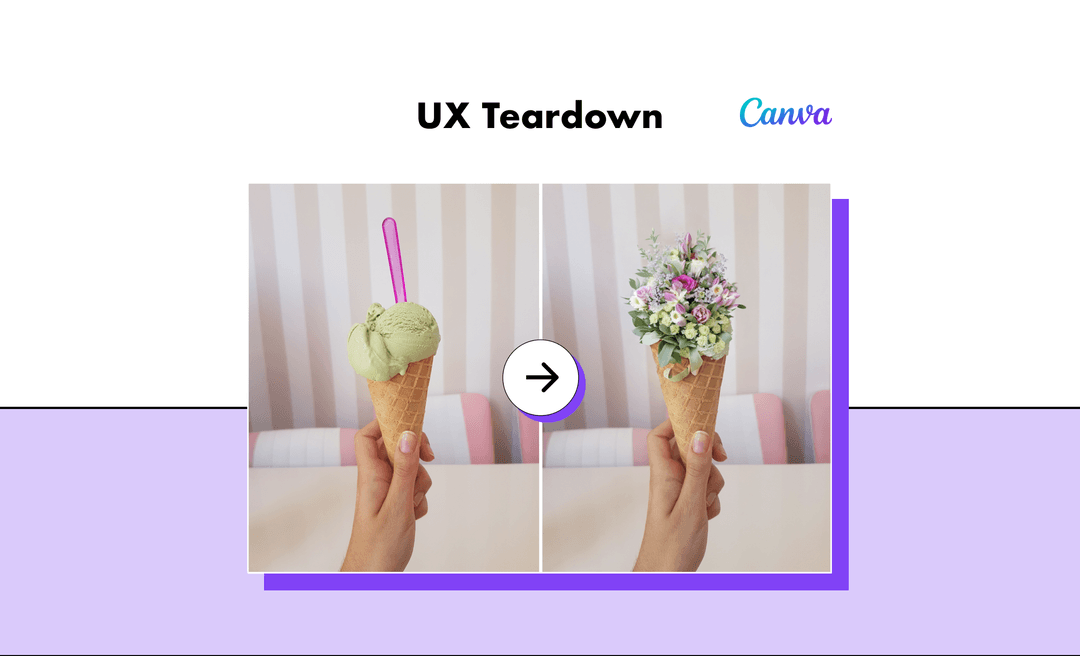
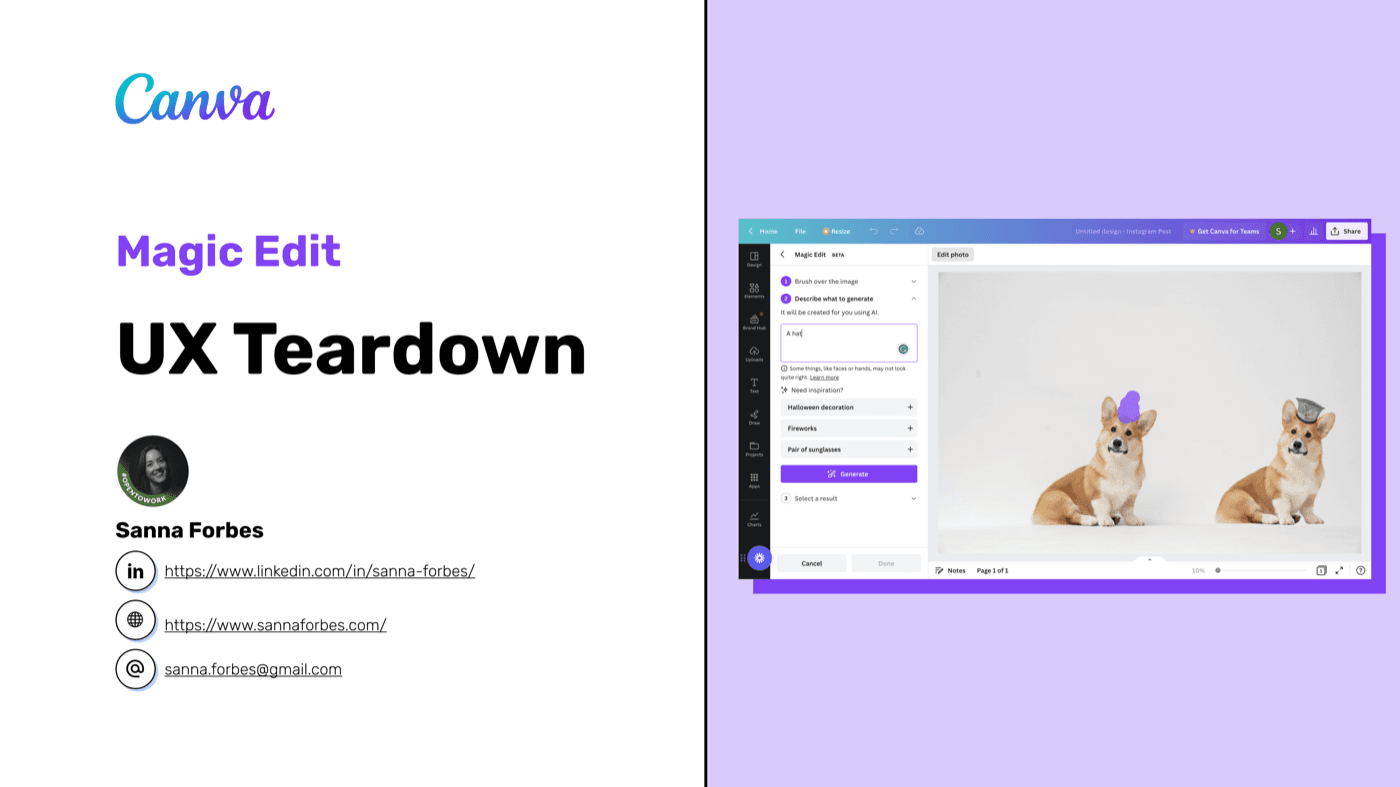
A first-time user exploration of Canva's beta Magic Edit feature, using cognitive walkthrough and think-aloud methodologies to surface usability insights.
Type
UX Analysis
Methods
Cognitive walkthrough, Think-aloud
Deliverable
50+ annotated screens
Context
About Canva
Founded in 2012, Canva has grown to serve over 125 million users worldwide, winning multiple design and innovation awards along the way.
Their Magic Edit feature uses AI to enable quick, intuitive creative generation - transforming how users approach design tasks.
Founded 2012
Sydney, Australia
125M+ users
Worldwide
Award-winning
Design & innovation
Approach
Methodology
I used two complementary approaches to evaluate the user experience, ensuring reliable results grounded in theoretical foundations.
Cognitive walkthrough
Assessed whether users would understand what to do, notice available options, comprehend purpose, predict outcomes, and recognize success.
Think-aloud protocol
Verbalised thoughts and emotions while interacting with the tool to surface usability challenges that might otherwise go unnoticed.
Findings
Key recommendations
Based on my analysis, I identified seven areas for improvement to enhance the Magic Edit experience.
Undo/redo functionality
Implement clear undo and redo controls to give users confidence to experiment without fear of losing their work.
Instructional microcopy
Add helpful guidance text throughout the interface to help users understand what actions are available and expected.
User feedback mechanisms
Integrate ways for users to provide feedback on AI outputs, helping improve the system while making users feel heard.
Personalised suggestions
Provide smart suggestions based on user input and context to spark creativity and speed up the design process.
Engaging loading experience
Enhance the loading screen with explanations of how the AI works, turning wait time into an educational moment.
Design iteration history
Enable retrieval of previous design iterations so users can compare options and revert to earlier versions.
Tips for AI newcomers
Include helpful tips and guidance for users who may be unfamiliar with AI-powered design tools.
Summary
Conclusion
Canva's Magic Edit tool delivers an intuitive interface that enables quick creative generation. It's a transformative resource for designers and content creators alike.
With the recommended refinements, particularly around undo functionality and user guidance, it has the potential to become an even more powerful creative companion.
Key takeaways
- →Build user confidence with undo/redo controls
- →Guide users with contextual microcopy
- →Turn loading time into engagement opportunities
- →Support users new to AI with helpful onboarding
Thanks for reading
Explore more of my work or get in touch to discuss your project.