
From words to motion: A UX teardown of Kapwing's AI video generator
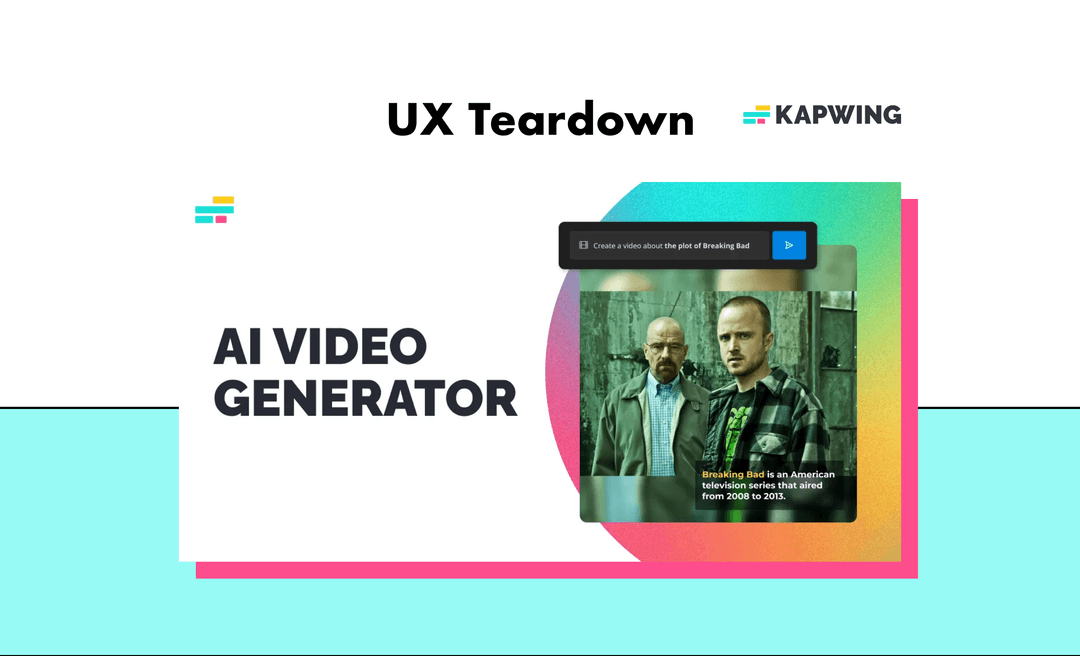
A cognitive walkthrough and think-aloud analysis of Kapwing's AI-powered video generation tool, with actionable recommendations for improving the user experience.
Type
UX Analysis
Methods
Cognitive walkthrough, Think-aloud
Deliverable
50+ annotated screens
Context
About Kapwing
Founded in 2017, Kapwing is an online video editing platform that offers a range of AI-powered tools including a Meme Generator, Script Generator, and Image Generator.
Their AI video generator instantly creates videos from text prompts, making it a powerful tool for content creators.
Founded 2017
San Francisco, CA
Content creators
Primary audience
AI-powered tools
Video, meme, script generators
Approach
Methodology
I used two complementary approaches to evaluate the user experience.
Cognitive walkthrough
Evaluates whether users understand the purpose and next steps at each stage. Identifies usability friction and cognitive load issues.
Think-aloud protocol
Expressing thoughts and emotions during interaction to surface potential usability problems that might otherwise go unnoticed.

Findings
Key recommendations
Based on my analysis, I identified six primary areas for improvement.
Interface clarity
A cluttered interface can be overwhelming and distracting, making it difficult for users to focus on the task at hand. Simplify the UI to highlight primary actions.
Progressive disclosure
Implement staged feature revelation to reduce cognitive overload. Show users only what they need at each step of the journey.
Prompt suggestions
Provide relevant and inspiring descriptive prompt suggestions to help users understand the tool's capabilities and get started quickly.
Loading experience
Display an engaging loading screen that explains how the AI works. Turn wait time into an educational and reassuring moment.
Contextual tooltips
Show tooltips at the right time based on user goals. Context-aware guidance is more helpful than generic instructions.
Icon clarity
Ensure icons clearly represent their intended function or feature. When in doubt, pair icons with text labels.
Summary
Conclusion
Kapwing's AI Video Generator is a powerful feature that has the potential to revolutionise the way content creators produce videos.
With some targeted improvements to streamline the experience and reduce cognitive load, it could become an even more valuable tool in creators' workflows.
Key takeaways
- →Reduce cognitive load through progressive disclosure
- →Guide users with contextual help and suggestions
- →Turn wait times into moments of engagement
- →Simplify the interface to focus on core actions
Thanks for reading
Explore more of my work or get in touch to discuss your project.