
Unlocking the secrets of VEED's user experience
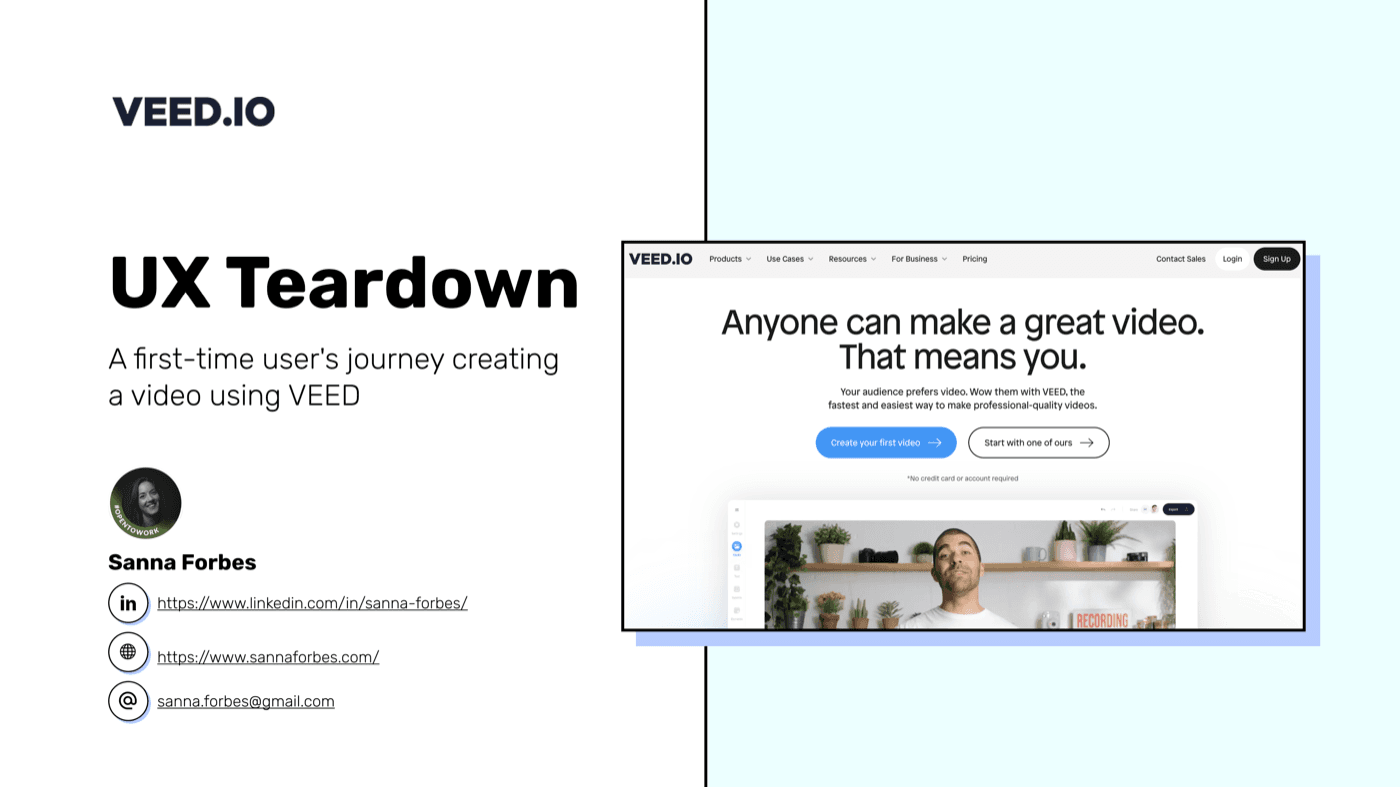
A detailed evaluation of VEED's video editing platform examining its user experience through task-based usability testing and think-aloud methodology.
Type
UX Analysis
Methods
Task-based testing, Think-aloud
Deliverable
70+ annotated screens
Context
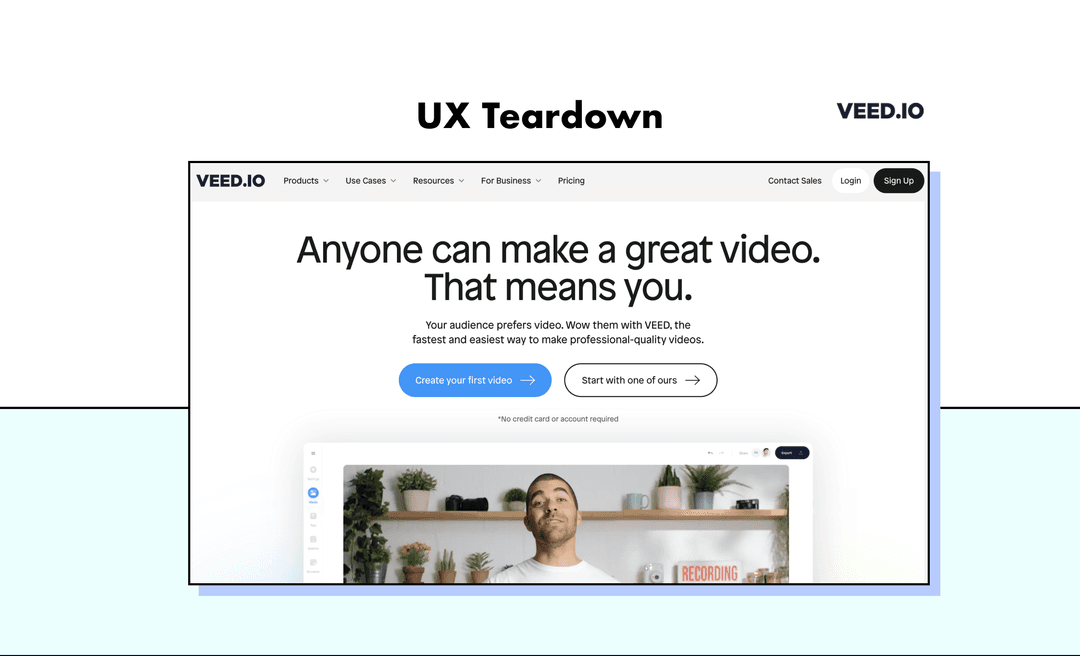
About VEED
VEED is a London-based video editing platform that has achieved impressive growth, scaling from $0 to $5M ARR in just two years.
Their intuitive, accessible interface enables first-time users to create professional videos within minutes, serving major clients including Google, Meta, Netflix, Disney, Amazon, and BBC.
$0 to $5M ARR
In just two years
London, UK
Headquarters
Enterprise clients
Google, Meta, Netflix, Disney
Approach
Methodology
I used two complementary approaches to evaluate the user experience, focusing on effectiveness, efficiency, and satisfaction.
Task-based usability testing
Observing user interactions and decision-making processes while completing specific tasks to identify friction points and opportunities.
Think-aloud protocol
Assessing effectiveness, efficiency, and satisfaction by verbalising thoughts and emotions while interacting with the platform.
Framework
Eight areas of analysis
I evaluated VEED across eight key dimensions to provide a comprehensive assessment of the user experience.
Aha Moment
First value realisation
Onboarding
Initial user guidance
Value Proposition
Core benefit communication
General Usability
Overall ease of use
UX Best Practices
150+ design guidelines
User Segmentation
Audience targeting
Microcopy
Clarity of interface text
Friction Points
Obstructions to flow
Findings
Key recommendations
Based on my analysis, I identified six areas for improvement to enhance the VEED experience.
Progressive onboarding
Implement tooltips and contextual prompts to guide users progressively through the interface rather than overwhelming them upfront.
Educational content
Integrate learning resources directly within the tool to help users discover features and improve their skills in context.
User segmentation
Improve setup flow to better understand user needs and tailor the experience accordingly from the start.
Destructive action modals
Add confirmation dialogs for irreversible actions to prevent accidental data loss and build user confidence.
Contextualised microcopy
Make interface text clearer and more contextual to reduce confusion and guide users more effectively.
Constructive error messaging
Replace generic error messages with helpful, actionable guidance that helps users recover and continue their work.
Summary
Conclusion
VEED demonstrates impressive growth and an intuitive interface that enables first-time users to create videos within minutes.
With targeted improvements around onboarding, error prevention, and contextual guidance, VEED can further reduce friction and enhance user satisfaction.
Key takeaways
- →Guide users progressively with contextual onboarding
- →Prevent errors with confirmation dialogs
- →Integrate learning within the product experience
- →Make error messages helpful and actionable
Thanks for reading
Explore more of my work or get in touch to discuss your project.